Coal and stratified deposits

GEOVIA Minex, from licence to live production

We sell, implement and teach GEOVIA Minex — the geology and mine planning platform built specifically for coal and other stratified deposits.

500 m 400 m 300 m 0 1 km Normal fault — hanging wall moves down Normal fault — hanging wall moves down Normal fault — hanging wall moves down Normal fault — hanging wall moves down Reverse fault — hanging wall moves up Normal fault — hanging wall moves down Reverse fault — hanging wall moves up Normal fault — hanging wall moves down Normal fault — hanging wall moves down Normal fault — hanging wall moves down Normal fault — hanging wall moves down Reverse fault — hanging wall moves up Normal fault — hanging wall moves down

Four holes. Thirteen faults. Four kilometres of section. One seam that still has to correlate across every block — and that is the work.

Current
Release line
Maintained under Continued Support — older branches run behind
12
Module families
Borehole and seam model through to underground, blast and rehabilitation
11
Continued Support workshops
The full 2026–27 curriculum mapped, tracked and taught

Minex is entering its next chapter. Plan for it now.

Dassault Systèmes has moved Minex onto a Continued Support footing. The product no longer appears on the current GEOVIA portfolio page, and the vendor’s own campaign describes the programme as supporting teams “as Minex full support concludes.”

Your seam models, wash curves and reserve statements do not expire when a support tier does. What matters is that someone in your organisation can still rebuild them.

That is the work: keep your licences current while they are available, get the models into a documented and scripted state, and train enough people that the platform decision stops being a single point of failure. We do all three.

Source: Minex Continued Support campaign, GEOVIA User Community, Dassault Systèmes. Quoted fragment used for factual reference.

What we do

Three Minex services, done properly

Most coal operations do not fail at buying software. They fail at the eighteen months afterwards — when the model is half-migrated, the workflow is undocumented and the only person who understood it has resigned.

What the work has to survive

The two deadlines that do not move

Licensing, implementation and training are how we work. These are what the work is judged against — and both fail in the same place, where the technical study meets the economic one.

1.4 P1 1.8 P2 2.4 P3 3.1 P4 SR P1 P2 P3 P4 ROM WASTE
01
Reserves by block and period

When RKAB is due

The reserve statement, the production plan and the waste movement all have to reconcile: with each other, and with last period’s realisation. What fails is rarely the geology. It is that the reserve number came from one place, the schedule from another, and the reconciliation was assembled in spreadsheets three weeks before submission.

Minex reports ROM, waste and strip ratio by block and period, off the seam model itself.

VALUE SHELL TESTED SHELLS SELECTED
02
Pit optimisation

When the Studi Kelayakan is reviewed

The resource has to be classified defensibly, the pit outline has to be the one the economics justify, and the schedule has to be achievable with the fleet and haul roads that exist. Studies come apart when those three were produced separately and reconciled only at the end. The reviewer finds the seam between them, and the study goes back for rework at the worst possible moment.

Minex tests every shell, and shows which one the economics actually justify.

The platform

Built for coal, not adapted to it

Generic mining software treats a coal seam as an awkward special case. Minex treats stratigraphy as the starting point — which is why it handles splitting seams, reverse faults and washability curves that other packages simply cannot express. Twelve module families, from the first borehole import through underground panel layouts to spoil rehabilitation.

See Minex at work — 82 seconds

A screen recording of GEOVIA Minex itself: geological modelling, resource evaluation and mine planning on coal project data. Nothing downloads until you press play, and the video is served from this site — no third parties involved.

Module families by stage

3Geology & data
2Surfaces & estimation
5Design & scheduling
2Closure & automation
  1. Geology & dataBorehole database, seam model, coal washability
  2. Surfaces & estimationGrids and triangulated surfaces, estimation and geostatistics
  3. Design & schedulingPit design and reserves, scheduling, haulage, underground, blast
  4. Closure & automationSurvey and spoil regrade, SQL and Tcl
Twelve in all, across the life of a mine. Design and scheduling is the largest block, which is where a coal operation spends most of its planning year.

Borehole database

Stores, analyses and interprets sampling and drilling data for coal and non-coal deposits, angled deviated holes included. A full database loads in minutes from ASCII, with automatic checks for out-of-sequence depths and out-of-limit values.

Seam Model

Completes every borehole stratigraphically so each seam carries an elevation and thickness, then uses the full sequence to build a gridded structural model of the deposit.

Coal washability

A standalone washability database holding every type of wash data, generating user-defined float/sink targets from the wash curve and transferring nominated results back into the borehole database for modelling.

Grids & triangulated surfaces

Gridded models storing elevation, thickness or quality on a regular mesh, plus triangulated surfaces built from survey points to represent topography, pit shells and dump profiles.

Estimation & geostatistics

Industry-standard estimators with a GSLIB interface for kriging and conditional simulation, variogram modelling with dynamic lag adjustment, and jack-knife validation of the result.

Pit design, optimisation & reserves

Finds the optimal outline among many feasible ones, then subdivides the economic mining area into benches, strips and blocks that mirror the intended technique and equipment. Block volumes land in an indexed reserves database keyed on pit, bench, strip, block and layer.

Scheduling

Two schedulers on one philosophy — start simple, then add detail. Target scheduling seeks a coal tonnage or volume across a period; detailed scheduling layers in the full operational picture.

Dump scheduling & haulage

Waste dump scenarios managed in a single interface, truck cycle time and utilisation analysis against an equipment database, haul road selection, and 3D playback of the result.

Underground engineering

Design, reserves and scheduling for coal and other flat-lying tabular deposits. Quick Layout builds regular longwall or bord-and-pillar designs fast, and reusable panel libraries carry proven layouts into the next mine.

Blast patterns

Patterns created and edited through a visual Blast Pattern Explorer — generate from imported points, extract top-of-coal data, design off collar or toe surfaces, and flag holes whose front burden falls below the minimum.

Survey, spoil regrade & rehabilitation

GPS and raw field survey reduced to X,Y,Z through the Survey Book, driving surface generation and volumetrics. Spoil Regrade then produces an optimum regraded landform by minimising how far and how much waste has to be pushed.

SQL & Tcl automation

SQL scripts run against the borehole database, grid models, and both the open cut and underground reserves databases. Tcl macros turn the repeatable parts of the monthly cycle into something anyone on the team can rerun.

Inside the software

What the output looks like

Three schematics of what Minex is asked to produce — a faulted multi-seam model, a pit and dump with the route between them, and reserve blocks coloured by mining period. Drawn by MinexCoal to show the shape of the output.

Upper seam Middle seam Lower seam THROW 15 m · 30 m, UP TO THE RIGHT
Geology

Faulted multi-seam model

Three seams carried across two faults that step the whole sequence up to the right, with boreholes tying every intersection back to the model — the geometry generic packages struggle to represent.

Minex carries one seam across every fault block, and holds the correlation.

PIT WASTE DUMP RAMP HAUL ROUTE 0 2 km
Haulage

Dump scheduling & haulage

Pit benches, the ramp out, the dump building in lifts and the route between them in one scene — driving truck cycle time and haul road selection instead of a spreadsheet estimate.

Minex times the haul before a single truck moves.

PERIOD 1 2 3 4 5 7 STRIPS × 5 BLOCKS
Scheduling

Reserve blocks by period

The deposit subdivided into mining volumes by bench, strip and block, colour-coded by schedule period and, in Minex itself, playable as an animation.

Minex reports the reserve block by block, period by period.

What changes

The difference is auditability

A reserve statement is only as defensible as the path back to the borehole it came from. That path is what we build.

Three people will pull on that path, and none of them are you: the Competent Person who signs the estimate, the reviewer who reads the RKAB, and whoever the parent company sends when the numbers move. What they ask for is not the model. It is the reason the model says what it says — the variance grid, the variogram, the QA/QC record, the reconciliation against last period.

A model that cannot produce those is not wrong. It is just undefendable, and that costs the same.

Where this gets decided: JORC, SNI & RKAB reporting  ·  Risk & Assurance

Spreadsheet reserves
traceable seam models
Manual monthly remodelling
scripted automation
Estimated haulage cost
simulated truck cycles
One irreplaceable expert
a trained team
Assumed pit outline
tested pit shells
Year-end reconciliation
reconciled every period
Discipline

Eighteen Minex training disciplines, one life of mine

A deposit has a life. It begins as numbers in a drill log, becomes a seam model, then a resource someone signs their name against, then a pit worth opening, a schedule, a fleet of trucks — and it ends as a landform that outlives the mine. These eighteen follow that arc, in order. The last four sit outside it because they belong to every stage. Eleven come from the Minex Continued Support programme; the other seven are ours, because that programme covers no mine engineering at all.

01Drill rig at first light with core trays laid out on the ground during an exploration programme
Borehole · Seam Model

Minex Essentials for Exploration Geologists

From Field Data to 3D Insight

Borehole data management, seam correlation, geological modelling, cross-section creation, seam layer prediction and resource evaluation.
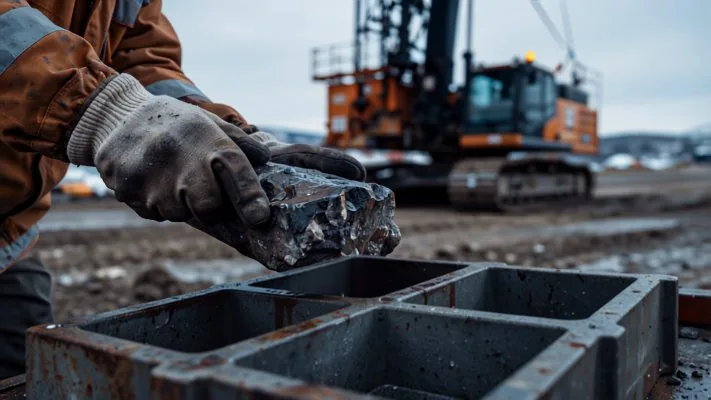
02Gloved hands lowering a freshly recovered rock sample into a compartmented core tray at a drill site
Borehole · Grid · Survey

Data Management Excellence in Minex

From Import to Insight

Turning raw, messy inputs into clean and trusted datasets — borehole data, geometry files and survey surfaces, validated and structured.

03Pale sandstone channel cutting down through a black coal seam and splitting it, the classic missing-seam case
Seam Model

Minex Bore & Seam Modeling

Handling Missing Seams, Splits and Complex Stratigraphy

Practical techniques for turning difficult borehole data into confident seam models when the geology refuses to cooperate.

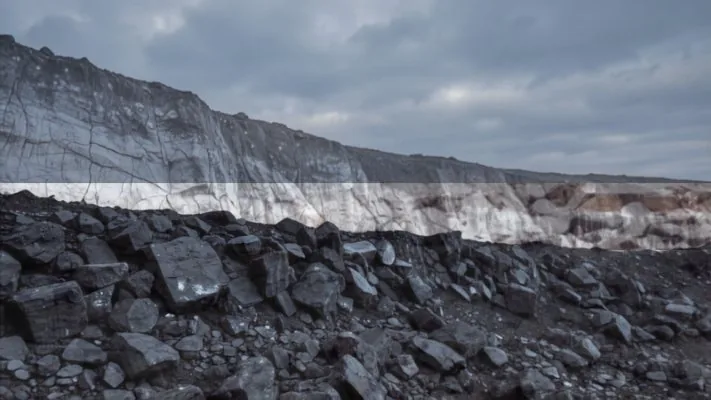
04Highwall exposing a pale laminated overburden sequence sitting directly on a thick dark coal seam
Seam Model

Strata Build vs Model Build

Understanding the Two Paths to Geological Models

The two primary modelling pathways in Minex, when each one produces the more robust result, and how to apply both with confidence.

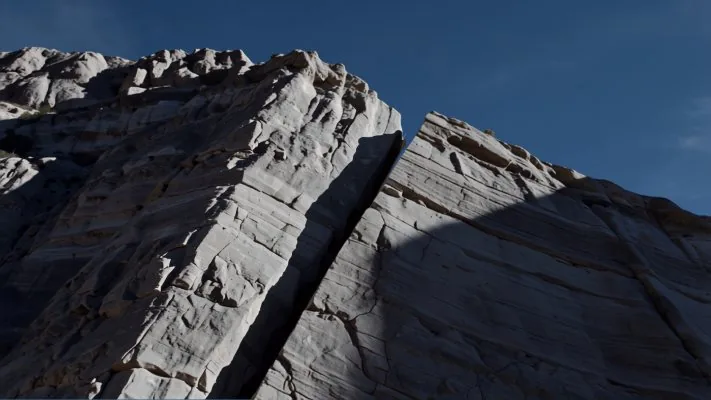
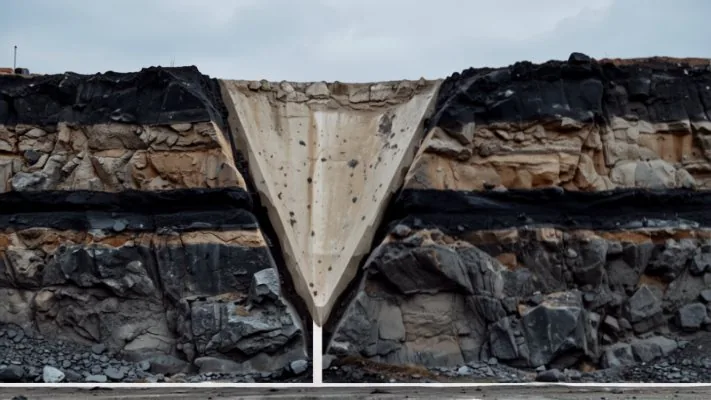
05Steeply tilted rock block cut by a structural break, bedding planes truncated on either side
Seam Model · Structure

Mastering Fault Modeling in Minex

Displacements, Intersections and Structural Controls

Fault interpretation from seismic sections and contour plans, zero-throw faults, structural regimes, 2D and advanced 3D fault modelling.

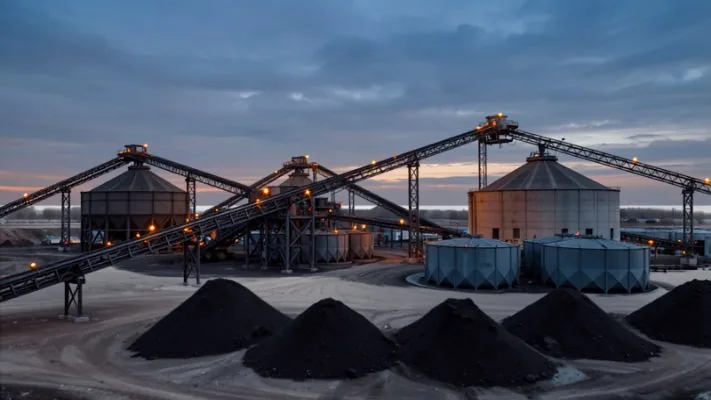
06Coal washing plant at dusk with conveyor galleries, silos and separated product stockpiles below
Grid · QA/QC

Mastering Minex Quality Modeling

From Data to Decision-Ready Insights

Assessing data integrity, applying QA/QC principles, generating reliable grids and surfaces, and evaluating model performance.

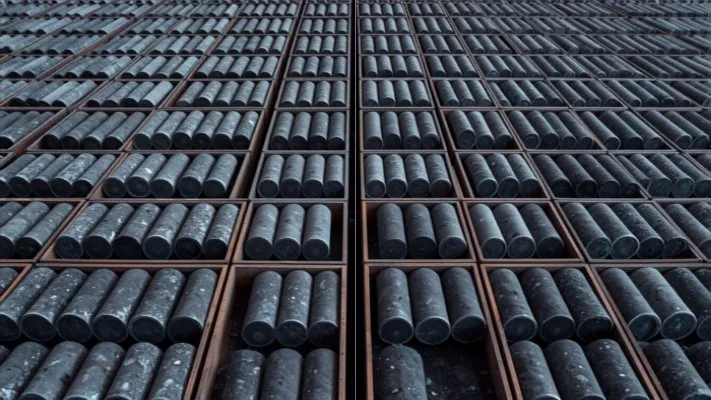
07Rows of drill core laid out in trays and viewed from above, showing the spacing of the sample set
Geostatistics · Estimation

Geostatistics & Resource Classification

Spatial Analysis, Kriging Variance and Defensible Boundaries

Experimental variograms across four orientations, model fitting with spherical, exponential, Gaussian and hole-effect structures, and a variogram map that exposes the direction of maximum continuity. Kriging then writes back a variance grid holding the 95% confidence range, plus sample count and average sample distance grids — the three spatial measures a Measured, Indicated or Inferred boundary has to be argued from. Jack-knifing closes the loop against the holes themselves. How this supports JORC, SNI and RKAB.

08Mine surveyor beside a total station on a tripod, taking independent measurements from a bench above the pit
Resource · Reporting

Mastering Minex Resource Reporting

Tools, Techniques and QA/QC

The complete reporting workflow — validating input datasets through to tonnage, density, quality and classification outputs that survive audit.

09Open pit crest at first light, the excavation stopping against untouched flat ground beyond the rim
Open Pit · Economics

Pit Optimiser in Minex

Finding the Outline Actually Worth Mining

An optimal outline is the one where nothing can be added or removed without either breaking the safe slope constraint or losing dollar value. Covers the three pricing modes, the structural and quality grids the optimiser demands, breakeven strip ratio, and how to read the run log when it fails.

10Engineered haul ramp switchbacking down an open pit wall through stacked terraced benches
Open Pit · Design

Pit & Dump Design

Boundaries, Strips, Blocks and Ramps

The five design modes — Boundary, Strip, Block, Free and Part Boundary — and how they subdivide an economic mining area into benches, strips and blocks that mirror the technique and equipment you actually run. Block layout patterns, generation, validation and ramp editing included.

11Long parallel coal stockpile ridges laid out in rows on a pad with a reclaimer working across them
Open Pit · Reserves

Reserve Reporting

From Block Volumes to a Defensible Number

The reserves database keyed on pit, bench, strip, block and layer, and the three reports it produces: Status/Null for total waste and coal volumes, Reserves DB for quality variable volumes with full control over what gets reported, and List Layers. Reserves after design — a different discipline from the resource reporting workshop.

12Dozers and trucks building the next lift on an active waste dump at dusk, dust hanging over the crest
Open Pit · Scheduling

Pit & Dump Schedule

Target, Detailed, and the Trucks in Between

Target scheduling seeks a coal tonnage or volume across a period; detailed scheduling adds the operational picture. Then Scenario Manager for the routes linking pits, dumps, waste piles and washeries, and the constraints governing where and when material can be placed and how each dump fills.

13Hydraulic excavator tipping a full bucket into the tray of a haul truck spotted alongside it
Haulage · Fleet

Calculate Truck Cycle Time

Spot, Load, Travel, Unload, Wait

The complete cycle from pit, waste pile or washery to dump and back, broken into spot time at the loader, load time assembled from scoop, swing and dump-into-truck components, travel across haul roads and ramps, unload at the dump, and queueing. Ramp Distance Generator supplies distance and grade from each block centroid; Haulage Selection then reports how many trucks hold each loader at capacity, ranked by distance, time, truck count or operating cost.

14Rehabilitated mine landform with revegetated slopes regraded around a filled pit lake
Rehabilitation · Closure

Reclamation & Landform Design

Spoil Regrade, EarthWorks and the Final Surface

Spoil Regrade computes the optimum regraded landform by minimising how much waste is pushed and how far, confined inside boundary and drainage strings that define the rehabilitation limit, then plots material movement cell by cell. EarthWorks adds the sectional side: cut/fill balance against a template profile, Max Spoil for dump progression from a toe polygon, and Drag Spoil for dragline landforms.

15Aerial view of an open pit whose concentric benches read like the contour lines of a plotted surface
Graphics · Plotting

Minex Advanced Plotting

Techniques for High-Quality Geological Visualization

Sections, plans, grids and heat maps with corporate-standard styling, symbology and layout control for reports and stakeholder briefings.

16Multi-monitor mine planning workstation in an office overlooking an open pit at dusk
Core workflow

Working Smarter in Minex

Essential Tips, Tricks and Time-Saving Workflows

Shortcuts and best-practice workflows for managing borehole data, improving seam correlations and refining models faster.

17Aisle between tall server racks receding into the dark, status lights glowing along both sides
SQL

Insights with Minex SQL

Smarter Queries for Smarter Decisions

SQL macros and Minex-specific syntax applied across borehole, seam and grid datasets to automate interrogation and deepen analysis.

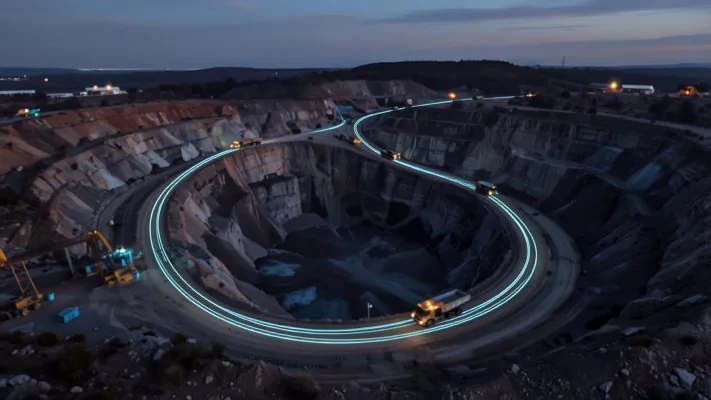
18Long exposure of an open pit at night where circulating haul trucks have drawn a continuous looping light trail
Automation · Tcl

From Manual to Automated

TCL Macro Techniques in Minex

Recording and modifying macros, defining variables, applying flow control, and working with lists, procedures and file input/output.

Implementation

How a Minex rollout actually runs

A typical deployment takes eight to sixteen weeks depending on how much historical data has to be reconciled.

A typical rollout, week by week

1–2Assessment
3–6Data & migration
7–12Model & workflow
13+Handover
Week 1–2

Assessment

We audit your existing data, current software, reporting obligations and the gap between what your team can do today and what the plan requires.

Week 3–6

Data & migration

Borehole databases are connected and validated. Legacy grids and seam models are brought across, then reconciled against your last signed reserve statement.

Week 7–12

Model & workflow

Seam and quality models are rebuilt, faults defined, and the monthly cycle is scripted so the same result is reproducible by anyone on the team.

Week 13+

Handover

Role-based training on the delivered project, written procedures, competency sign-off and a support arrangement sized to how much you still need us.

“

If the honest answer is that you do not need us, that is the answer you will get. It has cost us work. It has never cost us a client.

When we say no

  • Signing the estimate. Appointing a Competent Person is yours to do, not a service we sell. We build the evidence; the responsibility stays with the person who signs.
  • Work we cannot defend. We do not bid outside our competence, and we say so rather than subcontracting the problem back to you.
  • Not yet. One geologist, a working model and no deadline pressure is not an implementation. That is a sentence we have said out loud.
How we workThe four commitments in full, on the About page
Why us

Specialists, not a catalogue reseller

Minex is a narrow, deep product. It rewards people who have spent years inside it and punishes people who have read the manual.

  • Coal-first. Stratified deposits are the whole practice, not one line in a services list.
  • Accountable. Our licence audits regularly conclude the right number is fewer seats, not more.
  • Regional. Same time zone, same site conditions, on the ground when it matters.
  • Backed by ACALA. An Official Dassault Systèmes Partner, ISO 9001 and ISO 14001 certified — so licence, migration and training come from one accountable party.
  • Continuity-aware. We are candid about the platform roadmap and plan around it.
Straight answers

The questions Minex buyers actually ask

Is Minex still supported?

Yes — under Continued Support. The current line is actively maintained, with recent point releases carrying documented enhancements across Open Pit, Seam Modelling, Core and Borehole, and Dassault Systèmes is running a full eleven-workshop programme from March 2026 through January 2027. Anyone still on an older branch is running behind the current line. The vendor’s own campaign frames this as support for teams as Minex full support concludes, so treat it as a mature platform in managed transition rather than one under active feature development. Minex also no longer appears on the current GEOVIA portfolio page. None of that changes why you chose it — splitting seams, reverse faults and washability curves that generic packages cannot express. It just means the roadmap needs planning instead of assuming.

Why hire you when the official workshops are already running?

Attend them — they are good, and we will tell you which ones matter for your roles. But a six-hour regional webinar teaches the tool on the presenter’s dataset, at a fixed time, to whoever can attend. It does not migrate your Vulcan grids, reconcile last year’s reserve statement, script your monthly cycle, or sit with your geologist when a seam split refuses to model. That is the gap we fill, and it is the reason the two are complements rather than alternatives.

Should we be planning a migration to Surpac?

Not automatically. Surpac is the stronger choice for massive and vein deposits, but it does not replicate the stratigraphic and washability depth that makes Minex worth using on coal. Where a migration does make sense, established workflows exist for moving stratified and quality models from Minex into Surpac, and we will scope that honestly rather than sell you a project you do not need.

Can you work with our existing Vulcan or Carlson data?

Yes. Minex supports import and export of Vulcan and Carlson grid files and seam models, and string data exchange with AutoCAD. Reconciling that data against your last reported reserves is normally the largest single task in a migration, and we budget for it explicitly.

Do you train on our project or a sample dataset?

Yours, wherever the commercial terms allow it. Sample-data training consistently fails to transfer. If confidentiality prevents it, we build an anonymised dataset that preserves your actual seam geometry and quality characteristics.

What happens after the implementation ends?

You should need us less over time — that is the point of the training tracks. We offer a retained support arrangement for model reviews, scripting changes and cover during staff turnover, sized to your actual usage rather than a fixed annual block.

Get in touch

Tell us about your deposit

The more we know about your seam structure, data history and reporting obligations, the more useful our first reply will be.

  • Email  hello@minexcoal.com
  • WhatsApp  +62 852-1234-3631
  • Response  within one business day